
Not long ago I got a Motorola Xoom tablet. One of the things that I wanted to do was add some of my music to it, which I keep on my Mac in iTunes. It took a bit of research, but here’s what I found to be the easiest way to transfer music from a mac to the Motorola Xoom tablet.
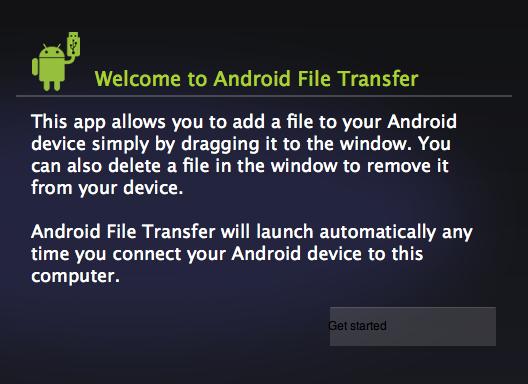
Download the free Android File Transfer app to your Mac and install the app into your applications folder.
Connect the Motorola Xoom to your computer via usb.
Open the Android File Transfer app that you just installed.
Drag the files that you want to install from your computer to the Motorola Xoom in the window that opens. Be sure to put the songs you want to move into the Music folder.
That’s it. Enjoy your music.
Some posts on this site contain an affiliate link. Affiliate links are used in an attempt to offset the operational costs incurred by running this website. Clicking on an affiliate link does not increase the cost of the product if you buy it. It does mean that I MAY make a commission if you purchase the item. As an Amazon Associate I earn from qualifying purchases.
