
I am a member of Verizon’s Influencer Team – #VZWBuzz and I receive phones and other accessories from time to time to review. This post has not been monetarily compensated. Please note that, as always, any personal opinions reflected in this post are my own.
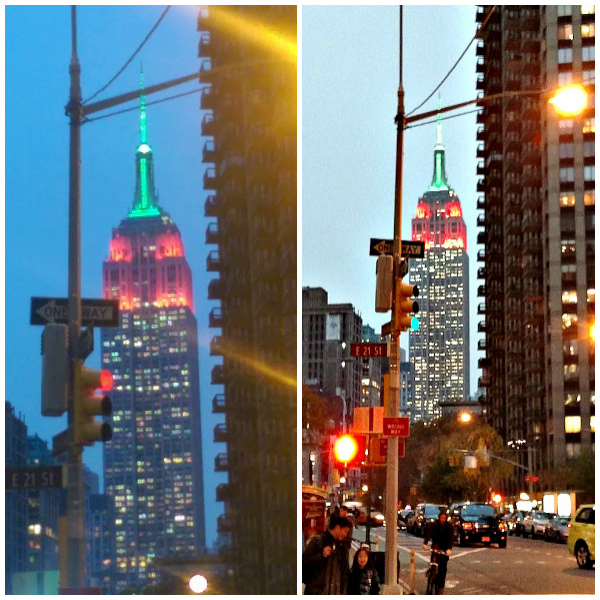
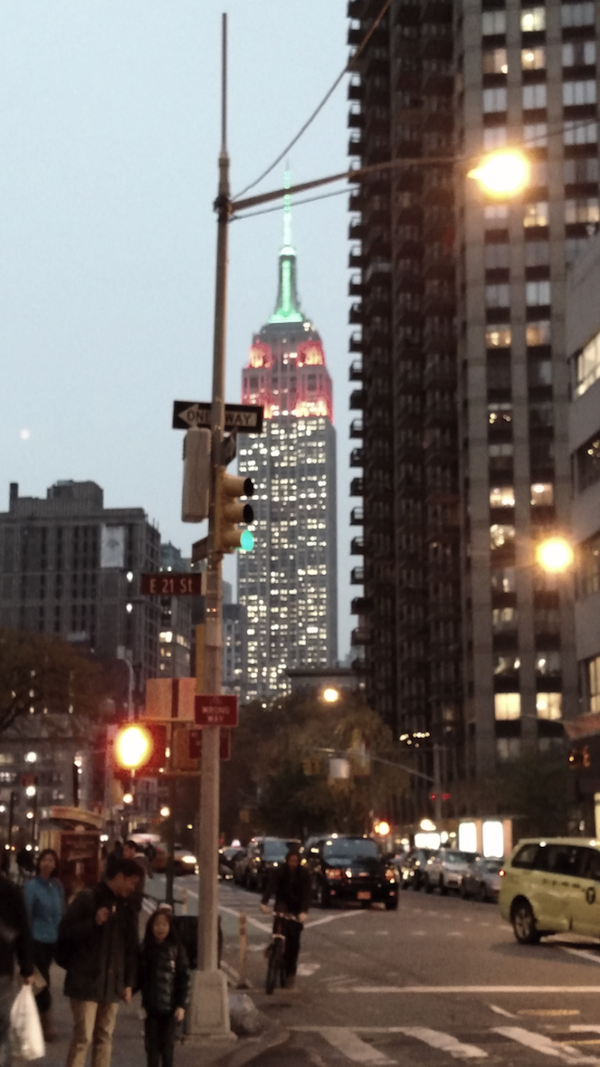
The above photo is of the Empire State Building in New York City. The two photos were taken in November about one minute apart on the same day, as dusk approached. What a difference between the two – they’re like night and day!

That’s the photo on the right, taken with the Motorola Droid Turbo I received that day.
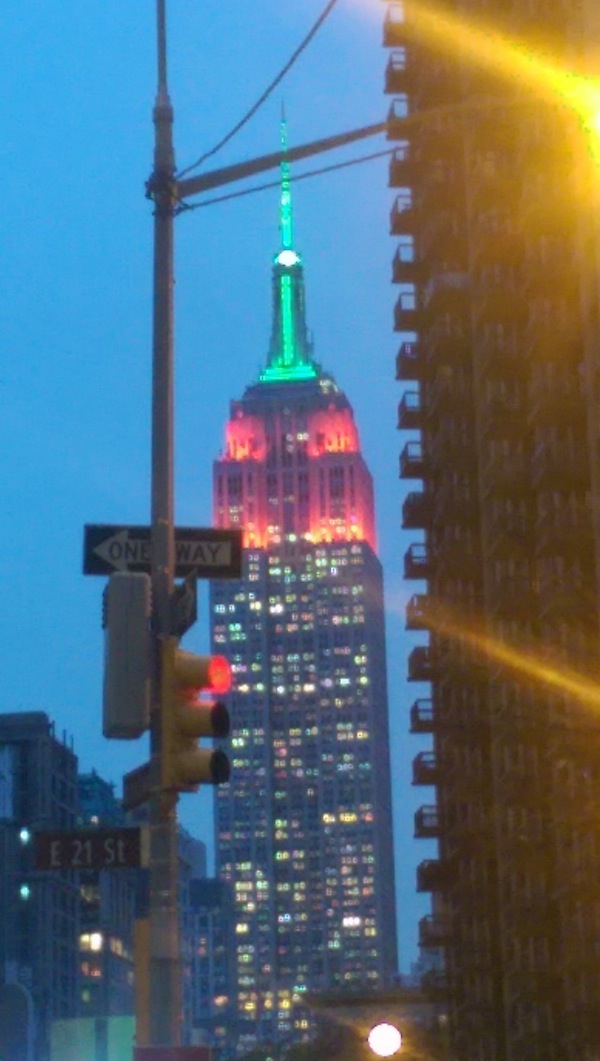
That’s the photo on the left, as it was taken with the camera in my HTC One M8 cell phone that I received over this past summer.
More and more people are using their cell phones to capture life’s little (and some big) moments. If you are one of those people then when you go phone shopping the quality of the camera is probably one of the things you take into consideration. If you are at all familiar with any type of technology then you know most products are almost outdated as soon as they come out. Buy a computer one day and you’re almost certain to find the model has been upgraded within two months or so, if not sooner.
If you want the latest and greatest camera in your phone you could wind up shelling out a good amount of money, unless you are on the Verizon Edge plan which allows you to upgrade your phone early and pay over time. So if you’re like me, you wait until you have an upgrade available. There’s nothing wrong with it at all. And, your photos don’t have to suffer for it either. You can always edit!

That’s the same photo from above on the left, after a very quick edit.
I notice that when I’m with a group of people that all have smartphones we often wind up discussing apps. I see the same conversations on Facebook. Oddly enough, with so many people chatting about apps, many of us use completely different ones. So, I thought I’d share my favorite photo editing apps. On my cell there are two that I use – Instagram and PhotoWonder. I do use other apps for photos for other things besides editing (such as making collages), but these two apps are the ones I use most often.
Instagram is a free app that most people with a smartphone are familiar with. But it’s surprising how many don’t realize that there are some built-in editing capabilities right in Instagram. Most people know about the filters. But what sometimes gets overlooked is the editing features that appear as you are creating an Instagram. Once you’ve chosen and cropped your photo there are three buttons under the photo. The far left is for filters. The middle is for Lux, which quickly adjusts exposure and contrast. The far right contains lots of stuff – photo adjust, brightness, contrast, warmth, saturation, highlights, shadows, vignette, tile shift, and sharpen. Users can share photos to Facebook, Twitter, Tumblr, Foursquare and Flickr with one click if they choose.
PhotoWonder is another free app, and it does have some paid features embedded within it. I have never unlocked them so I don’t actually know what’s in there. PhotoWonder offers the ability to edit and retouch photos, including things like crop, rotate, sharpen, adjust colors, apply filters and use special effects. With a few clicks you can improve the appearance of a photo or change it completely! It also allows the user to create a collage. Photo Wonder allows users to save the edited photos to their phone as well as share them to Instagram, Twitter, Facebook, Moments, Google +, email, a cloud album and more.
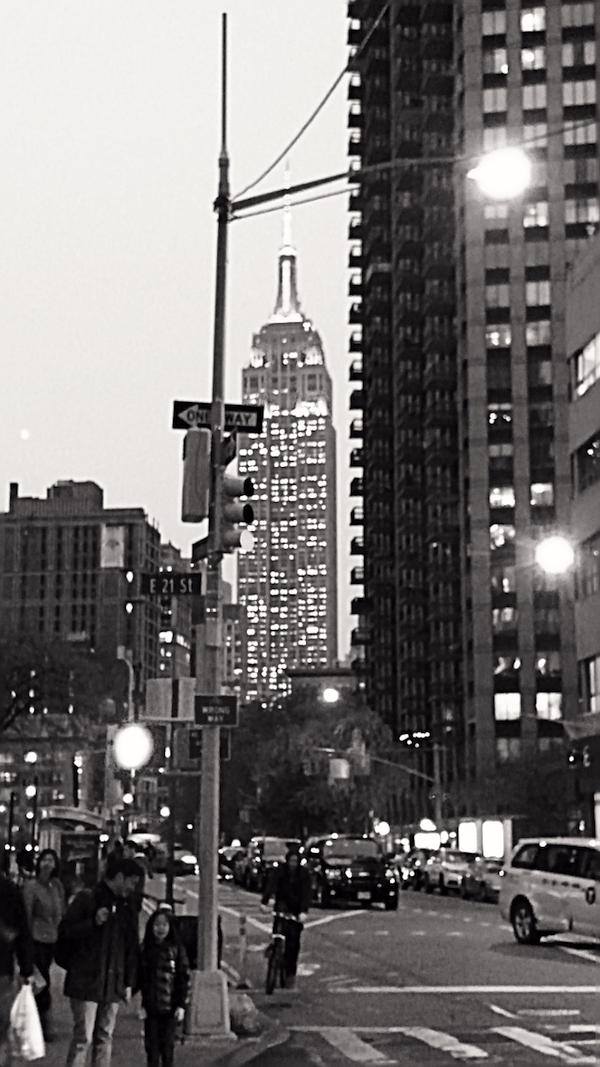
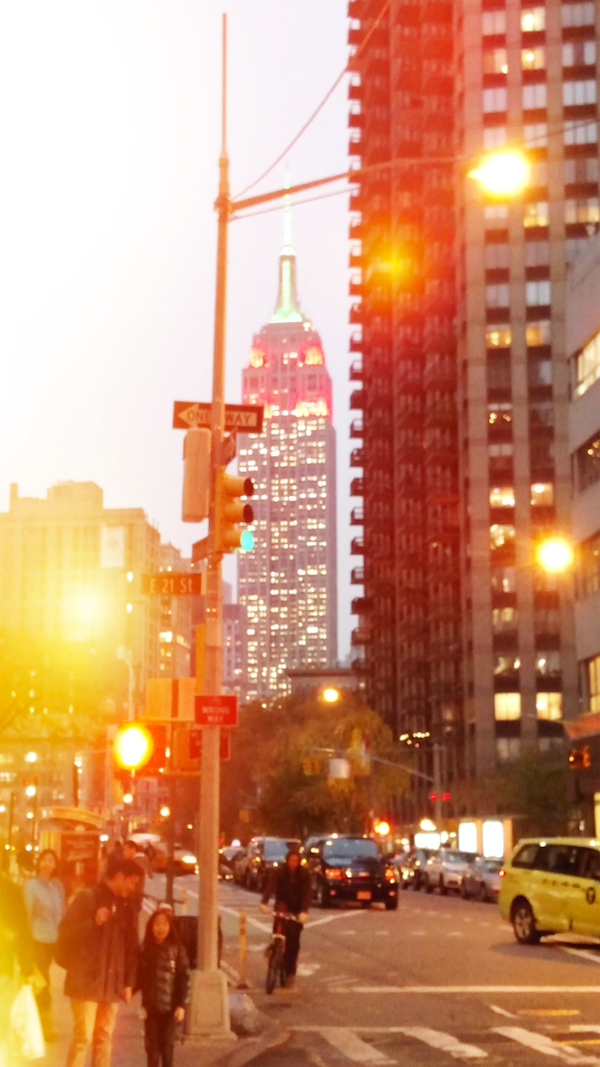
Here’s the photo I took with the Droid Turbo, the one from the left on the very top. I’ve edited it in three different ways.
On the left it’s got no color.
In the middle I applied “glare”. Maybe it looks sunny and warm? Maybe it looks a bit more like a sunrise?
On the right I removed some of the color. Maybe it looks a little older? Or more overcast?
All three look like a different photo, right?!
It’s really quite interesting what a little editing can do. And, it’s fun!
Winter is here. It’s been snowing all day here at the Jersey shore. My Facebook feed is chock full of photos of kids and animals playing in the snow. Before you venture out there to take your own, here are some things to keep in mind that will hopefully help you take the best photos possible.
My big tip for taking better photos is this. Get out there and practice. Just go find something you like to look at and take photos of it. Experiment with the settings. Play with angles and point of view. Don’t just quickly take one photo and go on, take a bunch of shots of the same thing. It won’t take long for you to quickly figure out what does or doesn’t work, and what will help you yield better photos.
And here are five simple tips to getting better winter photos from a pro. (For full list of tips from the pros see the full article on Winter Photography Ideas, Tips & Tricks).
Fresh powder is best
“Make sure you go out to shoot in the prime of a winter snowfall or shortly thereafter,” says Nick LaVecchia of York, Maine. LaVecchia’s photography has been featured in sports and outdoor magazines around the world. In the first few moments of a fresh snow, he says, “everything will be covered in an untouched white canvas.”
Diamonds in the pines
Winter trees may have lost their brightly colored leaves, but the bare limbs are covered in snow and ice, which can make for some beautiful shots, LaVecchia says. “Incorporate some snowy trees into your landscape. You can’t go wrong with heavy-hanging, snow-covered branches.”
Keep the sun on your back
The sun is brighter in the Northern Hemisphere in the winter months—specifically in January—because the Earth is closest to the sun. Such conditions create more “mixed lighting” moments. “A lot of really bright and really dark areas of the scene are fairly complicated for even the best cameras,” Curtes says, “so I like to minimize the variations and keep the scene as even as possible.” Curtes suggests that you keep the sun at your back when you take pictures, to even out the light and get some nice, bright colors.
Always get a portrait
“Documenting a day sledding with the family or a walk in the forest will always be best remembered with a few really nice close-up face shots of those on the journey. So always stop, get close and get a portrait,” Curtes says.
Look for a pop of color
“Something that makes snow scenes stand out is the purity and simplicity of them,” Brown says. “Include a bit of color to add impact to your image. Simple compositions with only one or two objects in the snow look great.”
Some posts on this site contain an affiliate link. Affiliate links are used in an attempt to offset the operational costs incurred by running this website. Clicking on an affiliate link does not increase the cost of the product if you buy it. It does mean that I MAY make a commission if you purchase the item. As an Amazon Associate I earn from qualifying purchases.

I am obsessed with Instagram. I usually pick a filter on there and post as is.
These are great tips! Everyone thinks you have to have an uber phone or an expensive camera to take good pictures, and it just isn’t true!
Great tips. I love taking photos with my phone. It has taken some time to learn the best times and distances, but I love it. Oh and you are right, sometimes I just need to stop and get a close up of the kids and family. Fun to keep on my phone all the time. Your photos came out great
I am so obsessed with photo apps – I seriously have like 20 on my phone! But haven’t tried the one you mentioned – and LOVE your photo tips! Sharing to my Take a Better Photo board on Pinterest 🙂
Great tips! I’m going to have to give that photowonder app a try. I hadn’t heard of it before.
I’ve never actually used an app for my photos but now that I own my first smartphone I will definitely check it out. What a huge improvement!
Thank you Valerie, this is a super useful blog as I was just looking at my holiday pictures and HOPING I would find a good editing app!
I have never used an app for my photos before, but I am thinking after this post that I should start! My photos always look dull and boring, even if capturing the cutest of moments! Thanks for the advice!
Wow, what a huge difference! I love Verizon!
I love using my camera phone when we travel. I love posting on Instagram and love the editing options that it offers.
Wow, that looks amazing; the difference between the two is huge. I’ll have to give this a try myself!
I usually just use PicMonkey right now. But I am looking at a few for my phone right now.
I just got a new cell phone for Christmas, is this for an Android? I will have to check this out!
I use my cell phone for a lot of my pictures. This is something I’ll have to check out!
I am always on the prowl for new apps to make my life easier. The Photo Wonder app sounds like something I would like to try.
Great tips! We do love using Instagram on editing photos. I haven’t heard of photowonder so I have to check that app out.
Hubby says that battery life prohibits my using a cell phone for pics since I literally take hundreds daily when I am out and ab out traveling.