

Ever need a quick gift? Here’s a great, quick idea – make a bookmark! This 2 sided bookmark was fast and easy to make, and it is the perfect “little extra something” to add to a gift as a giftbag tag, and especially if the gift is a book! Why not try this fabulous idea out today using MyMemories Suite software??!!
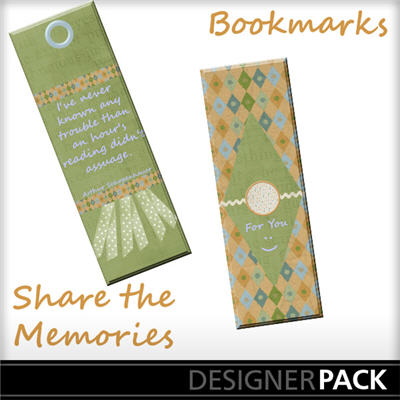
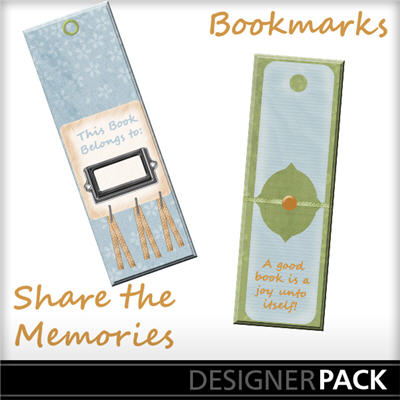
STEPS: Open MyMemories Suite software and choose your album size (I chose 8.5 x 11 for a printable project). Add the papers and elements you wish to use to create your own printable project (I made these Bookmarks), and when you are finished, click: SHARE ALBUM ====> EXPORT PAGES and save as a .jpg! The new .jpg papers you created are now usable as stand alone printable projects to use and reuse anytime! The Freebies enclosed are just samples of the printable projects you can make! Just print, cut and use! I just added a little ribbon fringe, and voila!! What better little “extra” goodie when giving a book? What about making these for your child’s class? Sunday School? So many great uses – so easy and fun!
If you’re really interested in digital scrapbooking, be sure to check out My Memories Suite v3 . It can be purchased online and retails for $39.97. If you use coupon code STMMMS45174 you will receive $10 when checking out.
Some posts on this site contain an affiliate link. Affiliate links are used in an attempt to offset the operational costs incurred by running this website. Clicking on an affiliate link does not increase the cost of the product if you buy it. It does mean that I MAY make a commission if you purchase the item. As an Amazon Associate I earn from qualifying purchases.
