
This post is brought to you by CliqPass.
Have you ever been to one of those events where everyone takes pictures and then afterwards everyone wants everyone else to share their pictures? Of course you have. Kids playdates. Birthday parties. Family get-togethers. Holidays. School sporting events. Corporate picnics. Office parties. Weddings. Engagements. Showers. Sweet sixteens. Graduations. Reunions. Girls nite out. See what I mean? Of course you’ve been to at least one of those. And if you’re like most of us, you never did get to see some of the pictures because sharing them was just too difficult for some people.
In principle sharing sounds easy, but unfortunately the nature of today’s technology sometimes make it challenging. Ever gotten a message a file was too big to email? Our photos are getting clearer and clearer every day thanks to constantly improving technology, which also makes for larger size files. Well, CliqPass Photo is a new app that aims to solve that problem.
CliqPass is an app that allows users to share photos and videos easily. You don’t need to be using the same smartphone as the people you’re sharing with. You don’t all need to have an account on the same cloud. In fact, you all don’t really need anything in common in order to share other then the desire to share pictures and memories. You don’t even need to sign up for a CliqPass account to get started. After you download the app you connect it to your Google Drive, Dropbox, or OneDrive to store pictures. No more need to send a bunch of emails with two or three pictures each. No more need to find a flash drive you’re not afraid of never getting back and finding the time to connect in person to give it to someone. No need to do anything other then simply send a request.
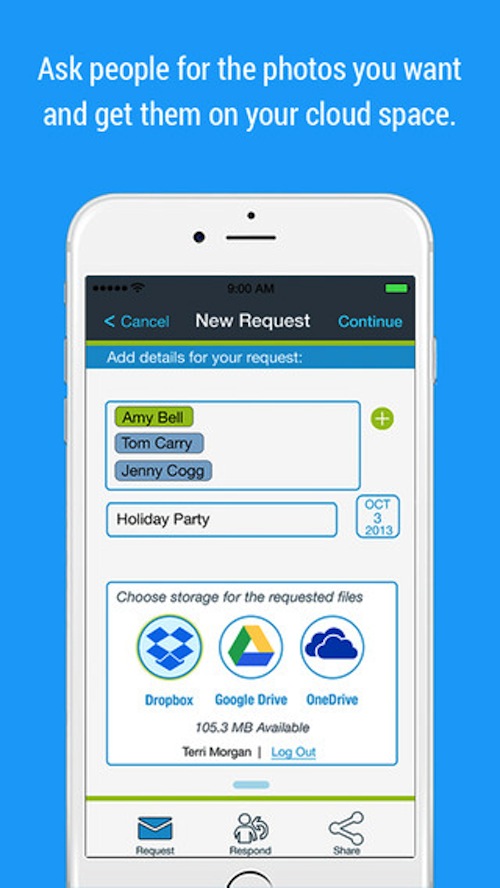
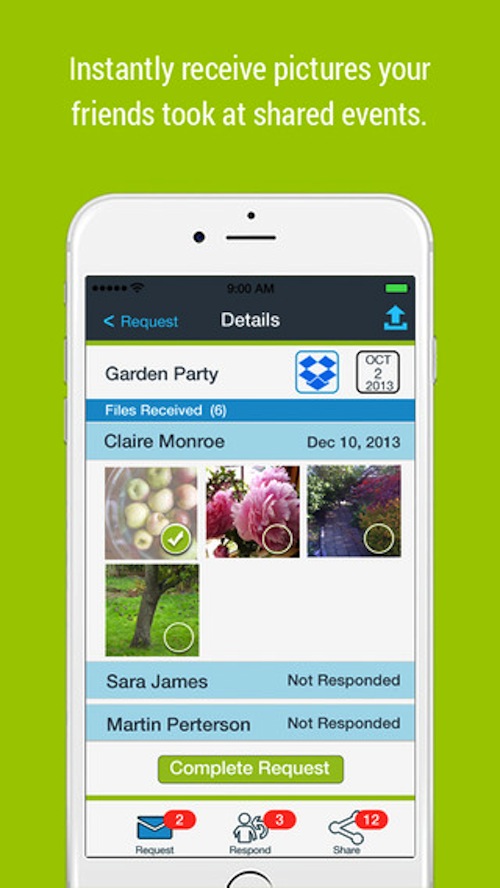
A CliqPass request is exactly what it sounds like – a request to share photos. To use it you just start typing in the names of the people you want to send the request to. Since the app syncs with your address book it will automatically find anyone you are already in contact with. If you receive a request all you do is answer the notification and select the photos that you’d like to share with the requestor.
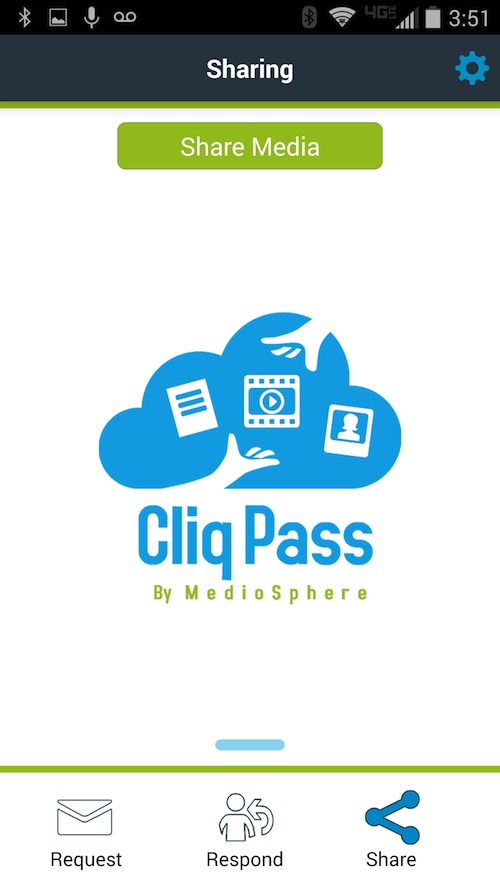
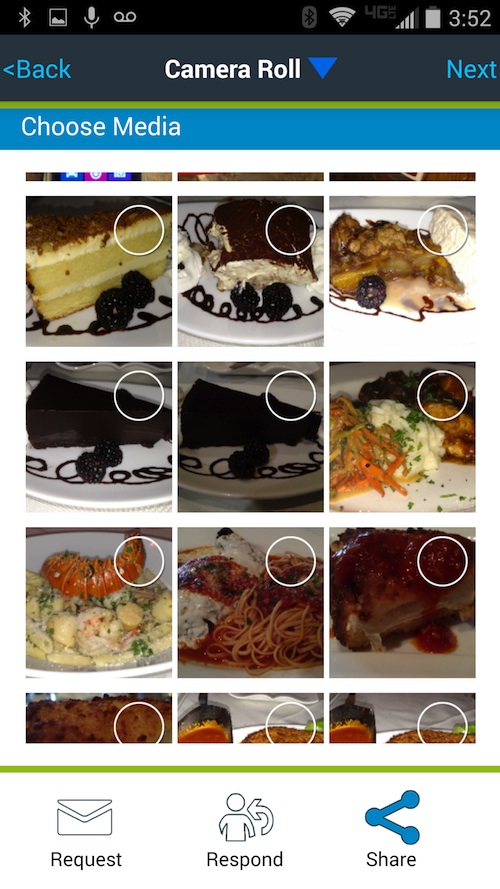
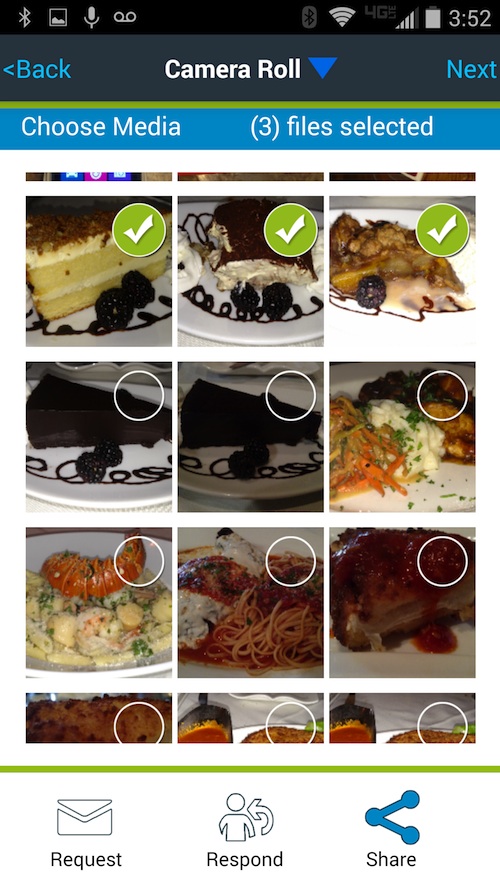
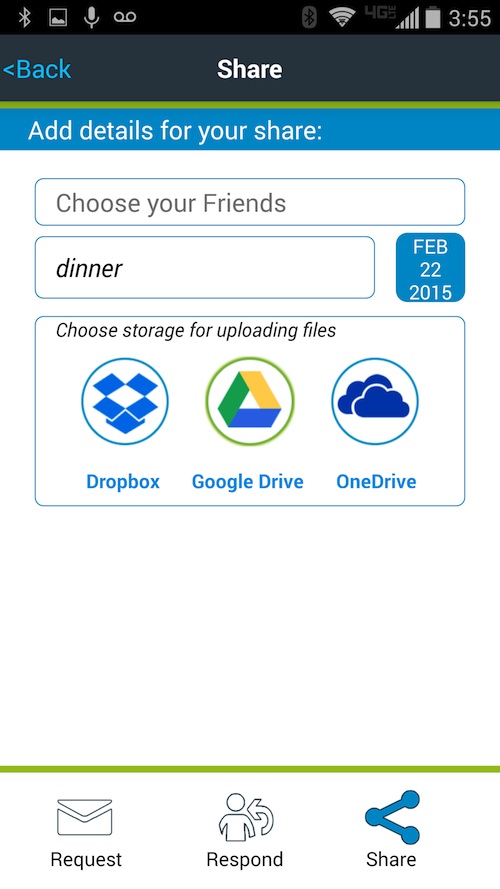
CliqPass users can also share photos. Let’s say you and a bunch of other women go out to lunch while the kids are in school, and that you want to share photos from the day. You simply go into the CliqPass app, select the photos that you want to share and choose the friends that you want to share them with. It only takes seconds and it’s so easy! Some might wonder if doing something so simple might mean that the quality of the photo was not as good. That’s not the case! The great thing about CliqPass is that it keeps photos in their original form. Using the app doesn’t decrease the quality of the photos, in fact it does nothing to the photos at all.
CliqPass can be used on mobile devices including iPhone and iPad, as well as smartphones & tablets over WiFi, 4G/3G. It can also be used on desktop macs and PCs. CliqPass is free to use. The free membership allows for unlimited responds and shares, and 1 new request per month. There is a premium membership available through an inexpensive ($2.99 per year or $6.99 for life) in-app purchase that allows for unlimited requests.
Here’s a trailer that explains how CliqPass works a bit better.
Can you think of an occasion where CliqPass would have been useful for you?
Keep your best memories close to you with the CliqPass Photo app! You can download CliqPass from the App Store or if you’re on Android you can download CliqPass from the Play Store.
CONNECT
CliqPass website – CliqPass on Facebook – CliqPass on Twitter

This sounds like a great app. I can’t wait to check it out.
That’s awesome that you can also use the app to share photos! Going to have to get this app on my ipad!
This sounds great. There are several holidays that this would have made much easier on me. Sharing pictures can be so time intensive!
I love this! I have a big family and we’re all big on pictures. It takes SO much time to share them, though. This sounds great!
I need this in my life! I share so many pictures. Cliqpass seems like it could me that MUCH easier for me.
I live in the south, so you KNOW I have a ton of family. And of course, we all share pictures. I can’t wait to give this a try.
Oh this looks really neat! I have so many photos to share with family & friends!
This would be cool if you’re all phone users. However, some of us still have relatives who need photos printed out! But what’s nice that as long as you all have it on your phone, one of you can then download it to Walgreens’ website and then print out photos for Nana, you know?
Hey Anne-Marie, it’s true that CliqPass is best used on smartphones (hence the app!) but you can also upload the photos on a computer! The good thing is photos get organized in a folder for each event on your personal cloud… and from there it’s super easy to print them.
This is just great. My little sister just had a baby (well, 7 months ago) and I am constantly bugging her to send photos. this would be so much easier. Thanks so much for the info.
This would be helpful for cookouts and events. I’d love to download it too!
This looks like it is very user friendly and handy! Downloading now.
What a cool app. I just recently signed up for Instagram and am still learning the ropes with that but this one looks fairly easy.
This looks like a really helpful app. I like to share photos, but sometimes it can be such a pain.
I might have to check this app out. I have been looking for a good photo sharing app.
I love how cool apps just keep coming out. There really does seem to be an app for everything.
I need some new apps for my phone. This looks like one that I could get a lot of use out of.
What a great way to share photos with friends. It seems like it’s super easy to use!
We always have this problem when we have family events. How do we all share photos? What a great app solution! I have to tell my family about this.
This is a great app! It would be perfect for play dates with multiple mommies taking pictures of all of the kids. Fast and easy way to share all of those photos!
Hi Automn, I love the idea as well, thanks for bringing it up! Have you had a chance to try the app in another context yet?
What a cool concept for an App. I love this idea!
This sounds like an awesome app! I will have to look into this!
Such a cool app! I could’ve used it last night at my best friend’s 40th birthday get-together.
Great idea Maria! Next time 🙂 I am Community Manager with CliqPass, nice to see you think the app is cool!
I need to check this app out. Im always using my phone for a camera and sharing pictures with friends and family.
Whenever everyone is together taking pics.